Private by default
Your video never leaves your device. Decoding and exports happen inside the browser.
FRAME-BY-FRAME VIDEO DECOMPOSITION
Break a video into every decoded frame. Inspect the sequence, choose exactly what matters, and export an AI-ready bundle.
SEE THE WORKFLOW
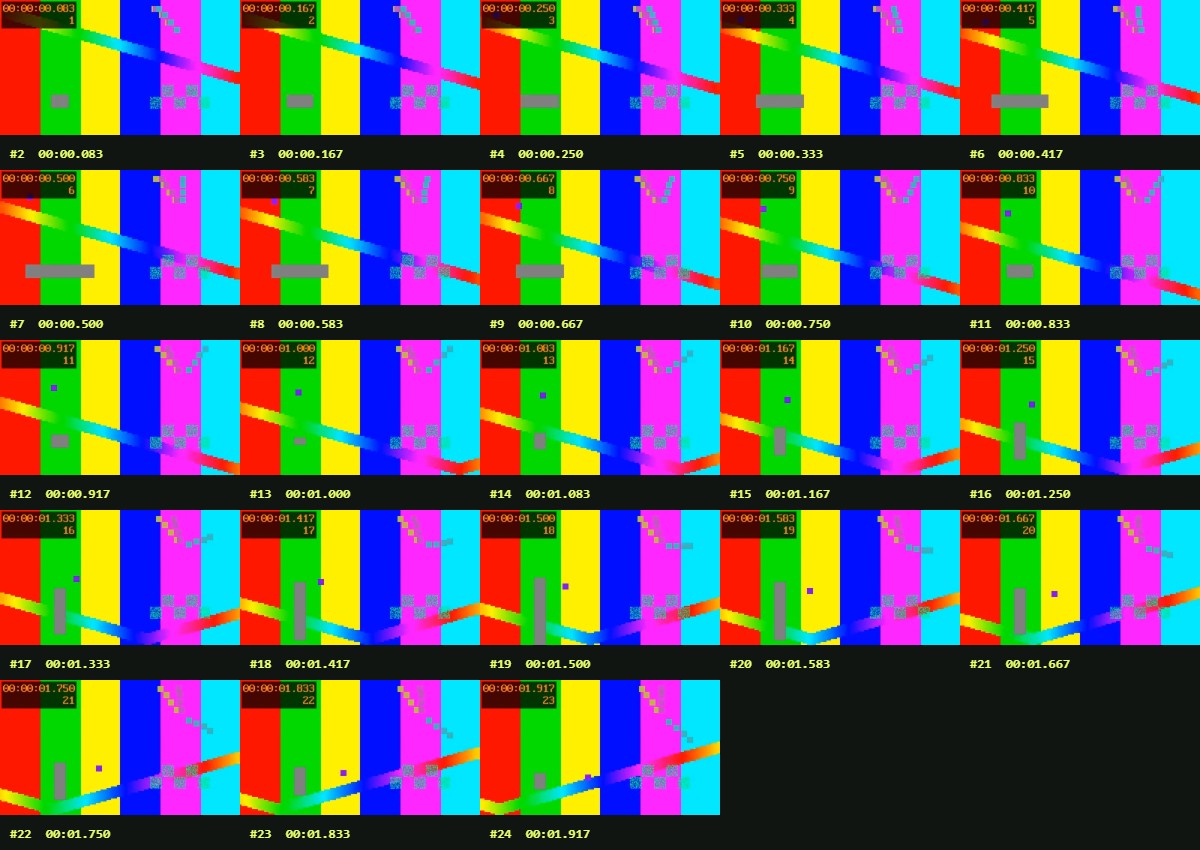
Configure sampling, inspect timestamped frames, select what matters, then export images and structured metadata.
or
Private by default. Your video and extracted frames never leave your device. Large, long, high-resolution videos may require substantial memory.
15 free extractions per day based on your network, resetting at midnight UTC. We store a one-way SHA-256 quota identifier—not your raw IP—in the quota database.
Give a vision model a small, ordered set of video frames with timestamps. Start at 1 frame per second, select the moments you need, then export a ZIP or contact sheet. Your model must support images; a ZIP alone does not reduce image token usage.
Desktop Chrome or Edge with WebCodecs is recommended. Containers include MP4, MOV, WebM, MKV, and M4V; actual codec support depends on your browser and operating system. Try H.264 MP4 if decoding fails.
File size alone is not a reliable limit. A 30-minute video at 30 fps has 54,000 frames. Each extraction stops at 20,000 frames or 512 MB of encoded images; browser memory can be substantially higher. Use a shorter time range, lower sampling rate, or smaller images. This does not guarantee that every device will have enough memory.
No. Video decoding, selection, and exports happen on your device. The network is used for the security and quota checks. Accounts, paid plans, and hosted safety screening are not available yet.
Your video never leaves your device. Decoding and exports happen inside the browser.
Frames follow presentation order with exact timestamps, including variable-frame-rate video.
Review, filter, and export only the visual context your model actually needs.